YouGooDai
Mobile of the Day

YouGooDai

5.0 FREE
  • Screenshot 1
  • Screenshot 2
  • Screenshot 3

Description

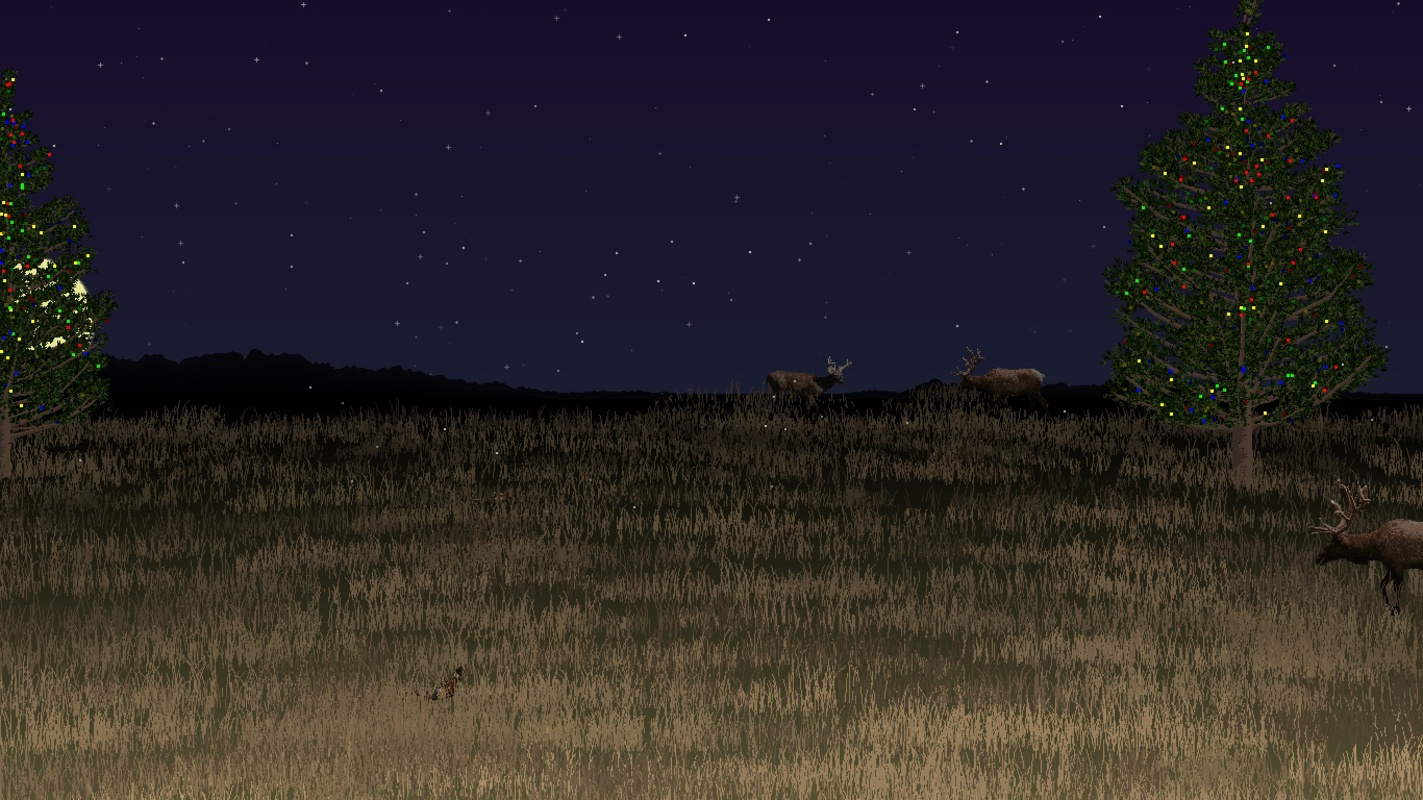
About Wilderness Dreams ScreensaverWilderness Dreams Screensaver is a unique screensaver that offers a beautiful and customizable natural backdrop for your desktop. It allows users to select their preferred season, tree type, and even the time of day, while showcasing an artistic, gradually drawn picturesque environment. This screensaver is designed to operate seamlessly without consuming significant system resources, making it perfect for nature lovers seeking a serene visual experience. Features of Wilderness Dreams Screensaver - Season Selection: Choose from four distinct seasons: Winter, Spring, Summer, and Fall. Each season offers its unique charm, allowing you to personalize your screensaver according to your mood or preference. This feature ensures that the scenery remains fresh and in tune with the changing seasons. - Custom Tree Types: Select the type of tree that you want to feature in your scene, adding a personal touch to your screensaver’s aesthetics. This feature allows for further customization and helps replicate a specific atmosphere, whether it be a snow-covered pine or a blooming cherry blossom. - Time of Day Settings: Decide whether you want to enjoy your scenery in the morning, afternoon, or evening. This feature enhances the ambiance by changing the lighting and color palette of the scene, giving you a different visual experience at various times throughout the day. - Dynamic Drawing Effects: Watch as the landscape appears gradually, mimicking an artistic drawing in progress. This feature adds a captivating element to your screensaver, making it not just a static image but a dynamic piece of art that continuously evolves before your eyes. - Light on Resources: Wilderness Dreams Screensaver is designed to be lightweight, ensuring it won’t slow down your computer. This means that you can enjoy your beautiful new screensaver without compromising your system's performance, making it an ideal choice for everyday use. Release Date of Wilderness Dreams Screensaver 2012-01-24Reviewed by Thomas P. LarsonShow MoreShow Less

Guides & Tutorials for Wilderness Dreams Screensaver

How to install Wilderness Dreams Screensaver
  1. Click the Preview / Download button above.
  2. Once redirected, accept the terms and click Install.
  3. Wait for the Wilderness Dreams Screensaver download to finish on your device.
How to use Wilderness Dreams Screensaver

This software is primarily used for its core features described above. Open the app after installation to explore its capabilities.

User Reviews for Wilderness Dreams Screensaver 0

    No reviews found

Similar Apps
